
Built for learning that actually changes something.
ManifestLMS is a proprietary learning environment designed from the ground up for courses that require real engagement — not passive consumption, not generic progress bars, and not content built to be skimmed and forgotten.

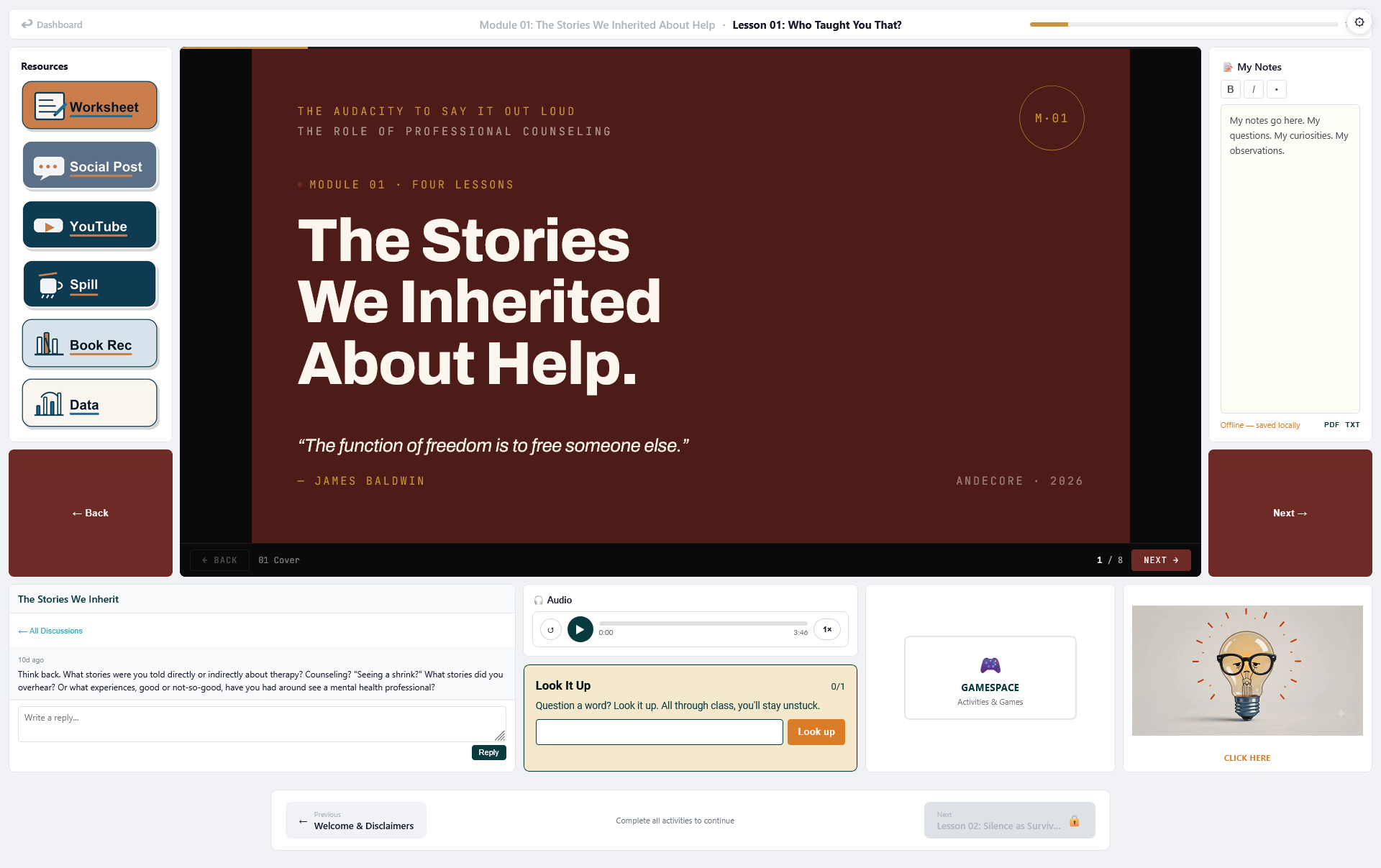
Not a template. A platform.
ManifestLMS was designed and built for one purpose: delivering courses that demand engagement, not just attention.
Learning that moves beyond the lesson.
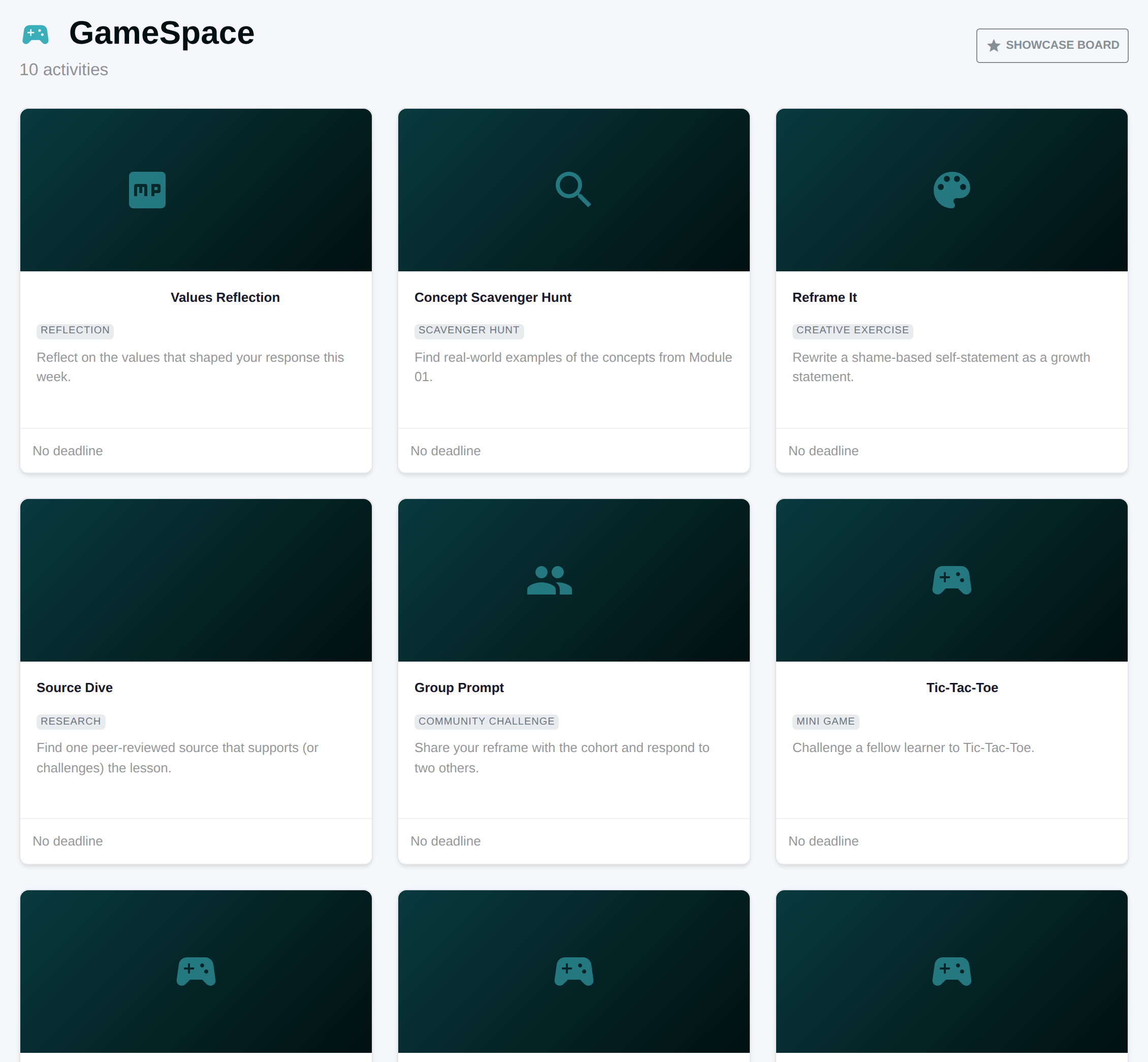
The GameSpace is where course content extends into applied challenges — scavenger hunts, creative exercises, research prompts, and reflective activities that live outside the standard lesson flow.
Submissions are showcased on a community board where learners can react with values-aligned responses: Insightful, Inspiring, Brave, Creative. No generic likes. No performance theater. Just recognition that means something.
Completion means something because the course demanded something.
Certificates are generated automatically when a learner reaches 100% course completion. Six template styles — from Classic cream and teal to Professional marble to Dark charcoal — ensure every certificate looks as serious as the work it took to earn it.
Each course can specify custom certification text describing exactly what the learner demonstrated. These aren't participation trophies. They're records of genuine engagement.
Foundations of Intentional Self-Design
Course Flow Engine
Learners move through modules and lessons in a structured sequence with auto-advance, module transitions, and Previous/Next navigation. No wandering. No skipping.
Discussion Hub
Enrollment-gated discussion threads tied to courses with moderation tools — pin, close, delete. Built into the LearningSpace rail so conversation stays close to the content.
Notifications & Messaging
In-app notifications for progress milestones, certificate awards, purchases, supplemental seating assignments, and discussion replies. Real-time badge updates, built in.
Analytics Hub
Revenue analytics, enrollment analytics, and per-course drill-downs. Period switching, visual reporting, and down-trend alerts for administrators.
Five LearningSpace Themes
Every LearningSpace component respects CSS custom properties, so switching themes changes the entire look without touching content.
Course Builder Wizard
Three-step course creation: outline your course, build modules and lessons, then generate. Drag-to-reorder, export support, and publish when ready.
Notes Panel
Server-persisted notes with offline fallback, light rich text formatting, highlight-to-notes from content zones, and export across devices.
Guided Onboarding
First-time users get interactive walkthrough tours of the dashboard, LearningSpace, and course detail pages. Contextual, then out of the way.
Start learning with intention.
Explore the catalog and find a course that asks more of you than clicking "next."
Browse Courses